
Disk Atlas
A native disk space analyzer for Mac with an interactive storage map, large-file search and duplicate checking.
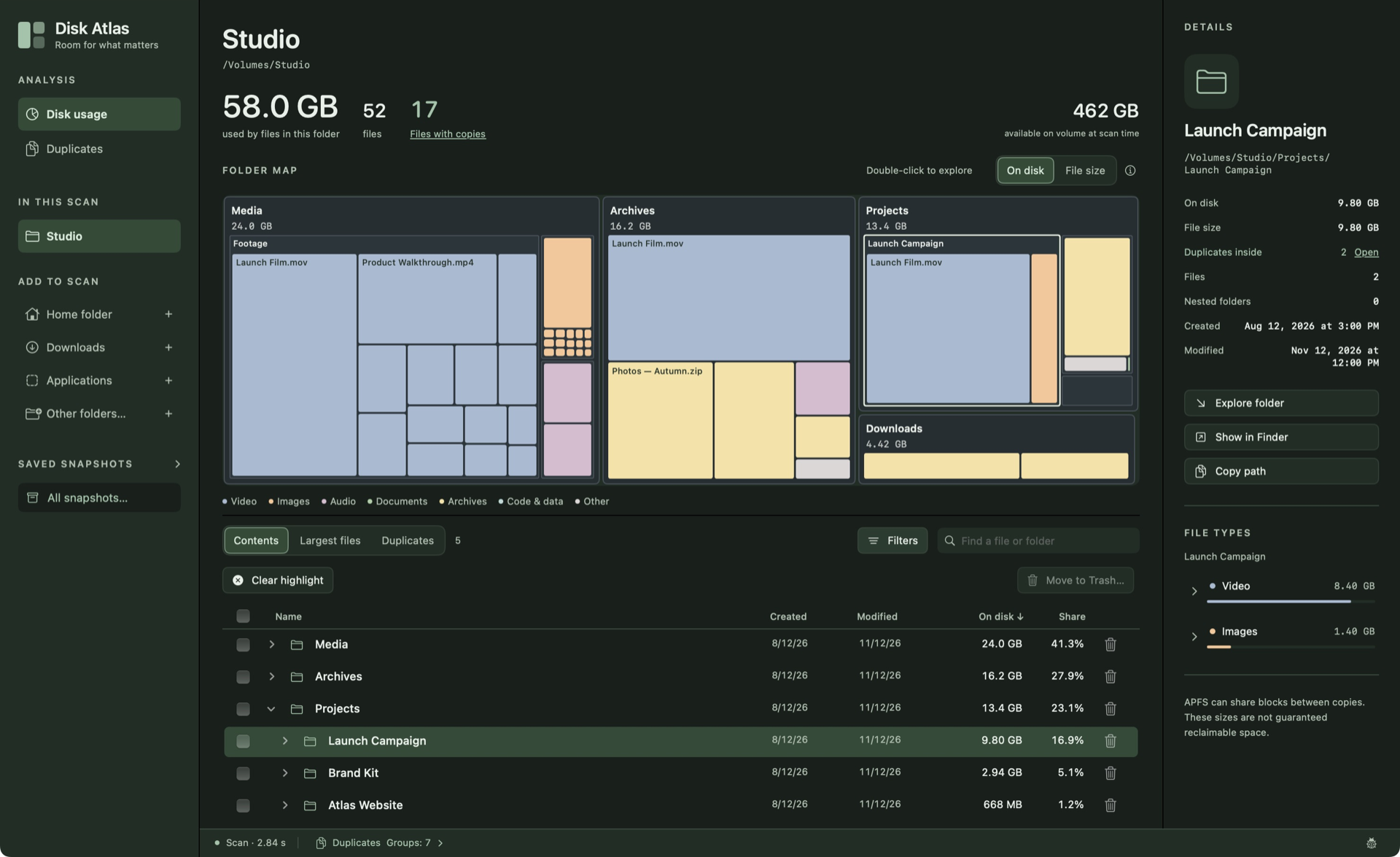
Find what takes up space
An interactive map, expandable folder tree and filters take you from an overview of your storage to individual files.
Check for duplicates
Content comparison is a separate, opt-in check, with a work estimate and controls to pause or stop it.
Return to a result
Local history keeps scan snapshots. Reopen them without scanning again, or export a portable .atlas file.
Choose what to remove
Move selected files to macOS Trash after reviewing their full paths and confirming the action separately.
The same data for agents
A JSON CLI lets you scan folders and read saved results from the terminal or through an agent. Optional MCP uses the same scan core.
The CLI and MCP work offline. The CLI has no cleanup commands.
CLI and MCP documentationData and control
Scanning reads metadata. Content comparison for duplicates runs locally and only when you opt in. Quick Look reads a selected file on request.
History and exports can contain private names and paths. Review them before sharing.
Sending feedback manually shares your text, optional email and chosen screenshot, app and macOS versions, and technical context with Sentry (US). Automatic diagnostics are a separate opt-in and off by default; they exclude file names, paths and contents.
Install and get in touch
Open the downloaded DMG and drag Disk Atlas to Applications. One build supports Apple Silicon and Intel. The official app is Developer ID signed and notarized by Apple.
Need help or found a problem? Describe it in GitHub Issues.